Sales & Outlet Operations
Outlet OS
The counter, the cash drawer and the shift — in one app.
Outlet OS is where every sale starts. Cashiers take orders and payments, open and close shifts, and print receipts — and each sale is recorded once for stock, costing and customer history.
In use at Bakso Kentjana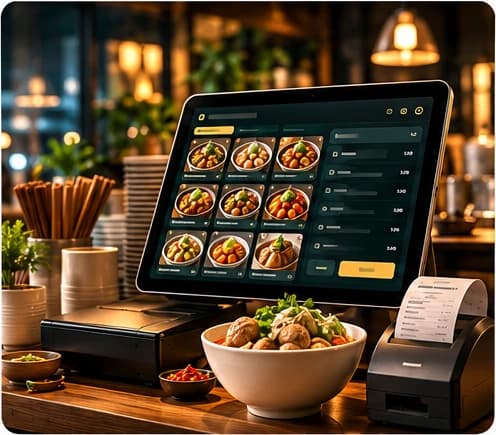
What it does
Fast order & payment
Take orders from the menu and accept cash or QRIS (via Midtrans) in one flow.
Shifts & cash closing
Open a shift with starting cash, record cash additions, close with a shift report.
Receipts & templates
Print to thermal printers, reprint past receipts, and set your own receipt footer and QR.
Keeps selling offline
An offline mode and sync queue keep sales recorded when the connection drops, with conflict review.
Members at the counter
Scan a KISANAK member card so the sale lands in that customer's history.
Void with approval
Cancelling a paid sale needs a one-time approval from a manager — no silent voids.
Outlet stock & shopping
See stock at the outlet and record small purchases made by the outlet.
Transaction history & reports
Look up any transaction and review daily sales and shift reports.
Staff attendance by QR
Staff check in by scanning the outlet's attendance QR code.
Features listed are in use inside Bakso Kentjana's own operation. The version for other food businesses is being prepared and may differ.
Who uses it
Cashiers, store managers and outlet supervisors.
Runs in
 POSCashier & counter
Connected modules
Shares the same records with:
- KISANAKmembers & transactions
- Inventory OSoutlet stock & deliveries
- Kitchen OSproduction batches
- K-AICEshifts & daily sales
- CEO OStransactions
Try it in your own outlet.
Free for 14 days, with guided setup. No payment details needed.