Stock & Ingredient Control
Inventory OS
From supplier to shelf to outlet — every movement recorded.
Inventory OS handles what you buy, what arrives, what is on hand and what goes to each outlet. Purchase prices flow straight into food cost.
Piloting at Bakso Kentjana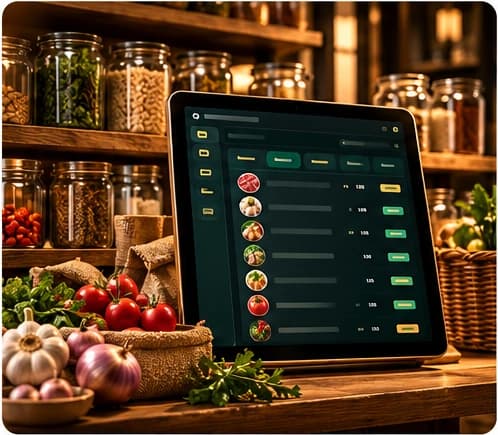
What it does
Ingredients & suppliers
One list of ingredients and the suppliers who provide them.
Purchasing
Record purchases and see what has been bought, from whom, at what price.
Receiving & returns
Check deliveries in and record returns to suppliers.
Price history
See how ingredient prices change over time before you change menu prices.
Stock opname
Count physical stock and compare it with recorded stock.
Stock matrix & ledger
Stock per location at a glance, with a ledger of every movement.
Distribution to outlets
Send stock from the warehouse to outlets and hand over to the kitchen.
Data readiness check
Spot missing prices or mappings before they distort costing.
Features listed are in use inside Bakso Kentjana's own operation. The version for other food businesses is being prepared and may differ.
Who uses it
Purchasing staff, warehouse teams and managers.
Runs in
 PurchasingSuppliers & buying
 WarehouseStock & distribution
Connected modules
Shares the same records with:
- Outlet OSoutlet stock & deliveries
- Kitchen OSstock, recipes & production orders
- K-AICEpurchase expenses
- CEO OSpurchasing & suppliers
Try it in your own outlet.
Free for 14 days, with guided setup. No payment details needed.